
Manage organization teams
Group existing organization members into internal teams without changing their account access.
Organizations and teams are different
Every accepted user is an organization member. A team is an optional group inside the organization, such as Research, Acquisitions, or Operations. Adding a person to a team does not invite them to the organization, change their organization role, or move credits.
Each person can belong to one internal team at a time. Team assignments also determine which team-shared export templates they can use.
Owners and admins can manage teams. Members can see team information but do not receive team management controls.
Create a team
- Open Organization → Teams.
- Select Create team.
- Enter a recognizable name between 5 and 100 characters.
- Confirm the creation.
The new team initially has no members.
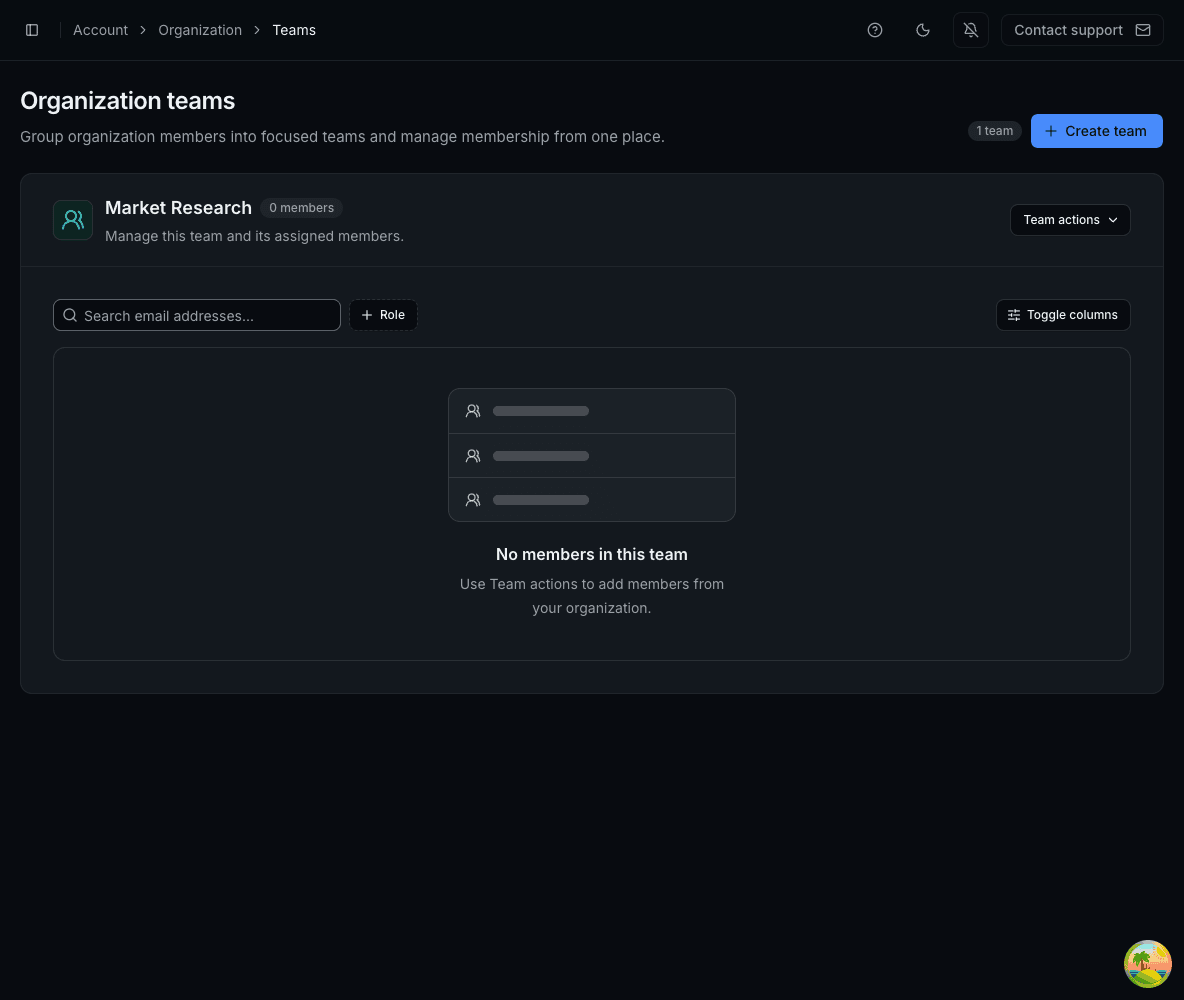
Add or remove team members
Open Team actions on the appropriate team.
- Add member to team lets you select accepted organization members who are not already assigned to a team. To move someone, remove their current team assignment first.
- Remove member from team removes only the team assignment. The person remains in the organization with the same role, credit balance, jobs, and results.
Use the search box and Role filter when a team contains many people.
Rename or delete a team
- Update team name changes the label for the group.
- Delete team permanently removes the group and its member assignments.
Deleting a team does not remove its people from the organization and does not delete their accounts or Cloud data.