
Organization administration
Understand the organization dashboard, navigation, access requirements, and shared account model.
What an organization is
An organization lets several PropertyDataLabs accounts use one organization subscription while keeping separate sign-ins, roles, Cloud credit balances, and activity records. It is not the same as an internal team: an organization contains all members, while teams are optional groups inside that organization.
Organization features remain available to existing subscribers on the legacy Enterprise and Team plans. Neither plan is open for new registrations or subscriptions. The Team plan includes every Ultra feature and up to 10 organization members, including the owner.
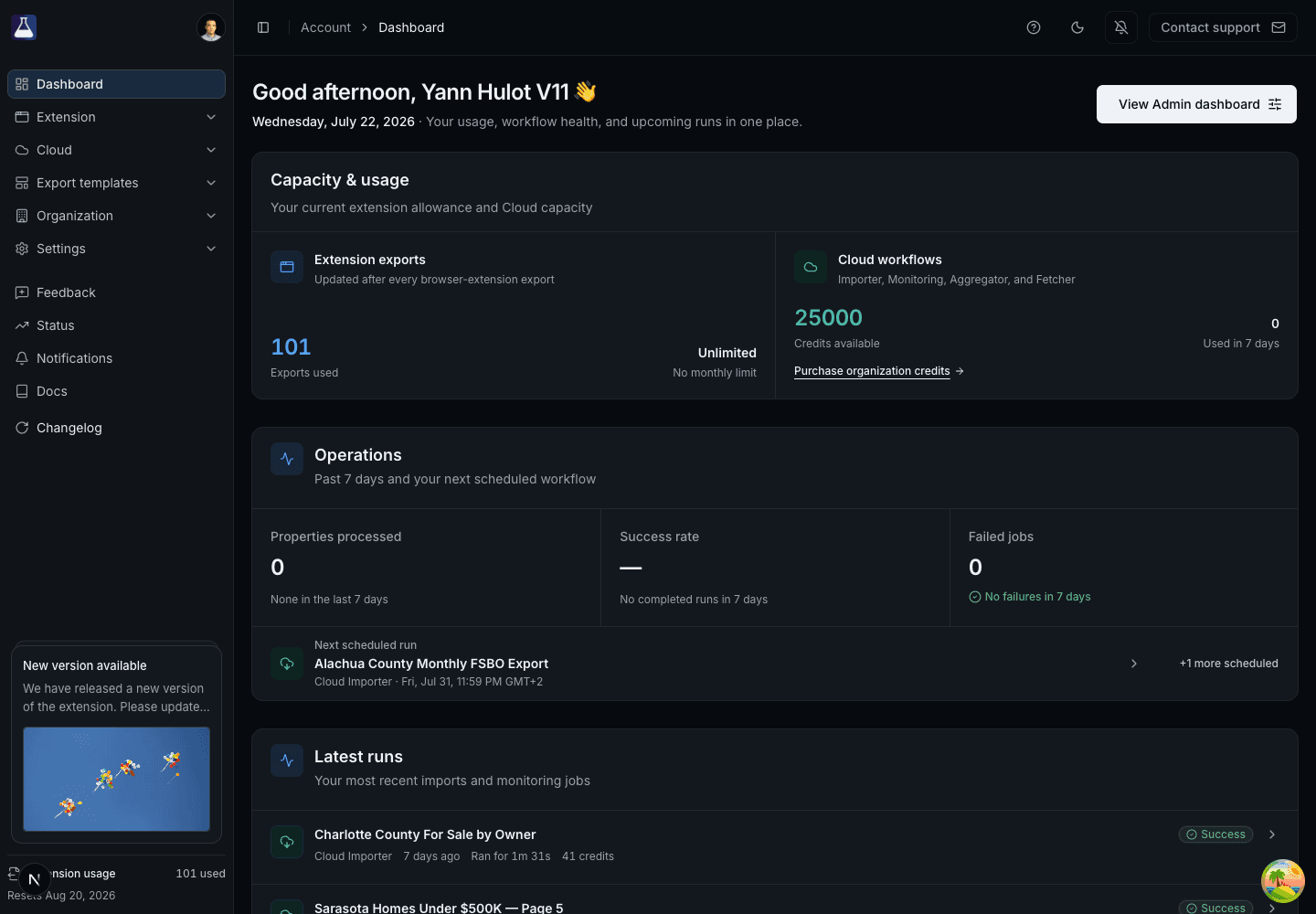
Open the organization area
Select Organization in the left navigation. The available pages are:
- General: organization name, owner details, and organization deletion.
- Members: member roles, available Cloud credits, transfers, and removal controls.
- Teams: optional groups for organizing members.
- FAQ: answers available inside the app.
- Invitations sent: pending and historical invitations sent by the organization.
- Invitations received: invitations sent to your own account.
- Usage: organization-wide Cloud credit and member activity reporting.
- Credit settings: automatic rules for distributing credits to members.
- Credit transactions: the audit trail for assignments and adjustments.
Owners and admins see administration controls. Members can see limited organization information but cannot change settings that require an owner or admin.
Admin dashboard
From the main Dashboard, select View Admin dashboard to open Organization → Usage. The page summarizes reported credits used in the last 30 days, active and inactive members, the top consumer, daily usage, and member activity. The usage reports currently cover Importer and Monitoring runs, including Importer work associated with Aggregator jobs. Fetcher runs are not included.
Shared subscription and separate balances
The organization owner's subscription grants eligible features to accepted members. Cloud credits are held in individual balances: the owner's balance acts as the organization pool, and credits can be transferred or distributed to members. Removing a member returns that member's remaining organization credits to the owner.
Transfer credits to a member
Owners and admins can transfer credits from the owner's balance:
- Open Organization → Members.
- Open the recipient's row menu and select Transfer credits to user.
- Check the recipient's email and the maximum available amount.
- Enter the amount and confirm the transfer.
Admins cannot transfer credits to themselves. If you are an admin and need credits, ask the owner or another admin to transfer them to you using the steps above. Members cannot initiate transfers, and the owner uses their existing balance. Review completed transfers under Organization → Credit transactions.
Deleting an organization is permanent
Only the owner can delete the organization. Deletion removes organization membership and organization-level access and cannot be undone. Removing one member does not delete that person's PropertyDataLabs account.