
Review organization usage and credit transactions
Use the admin dashboard to investigate Cloud activity, member consumption, and credit movements.
Owners and admins can open Organization → Usage or select View Admin dashboard from the main Dashboard. Organization members cannot open the administrative usage and transaction reports.
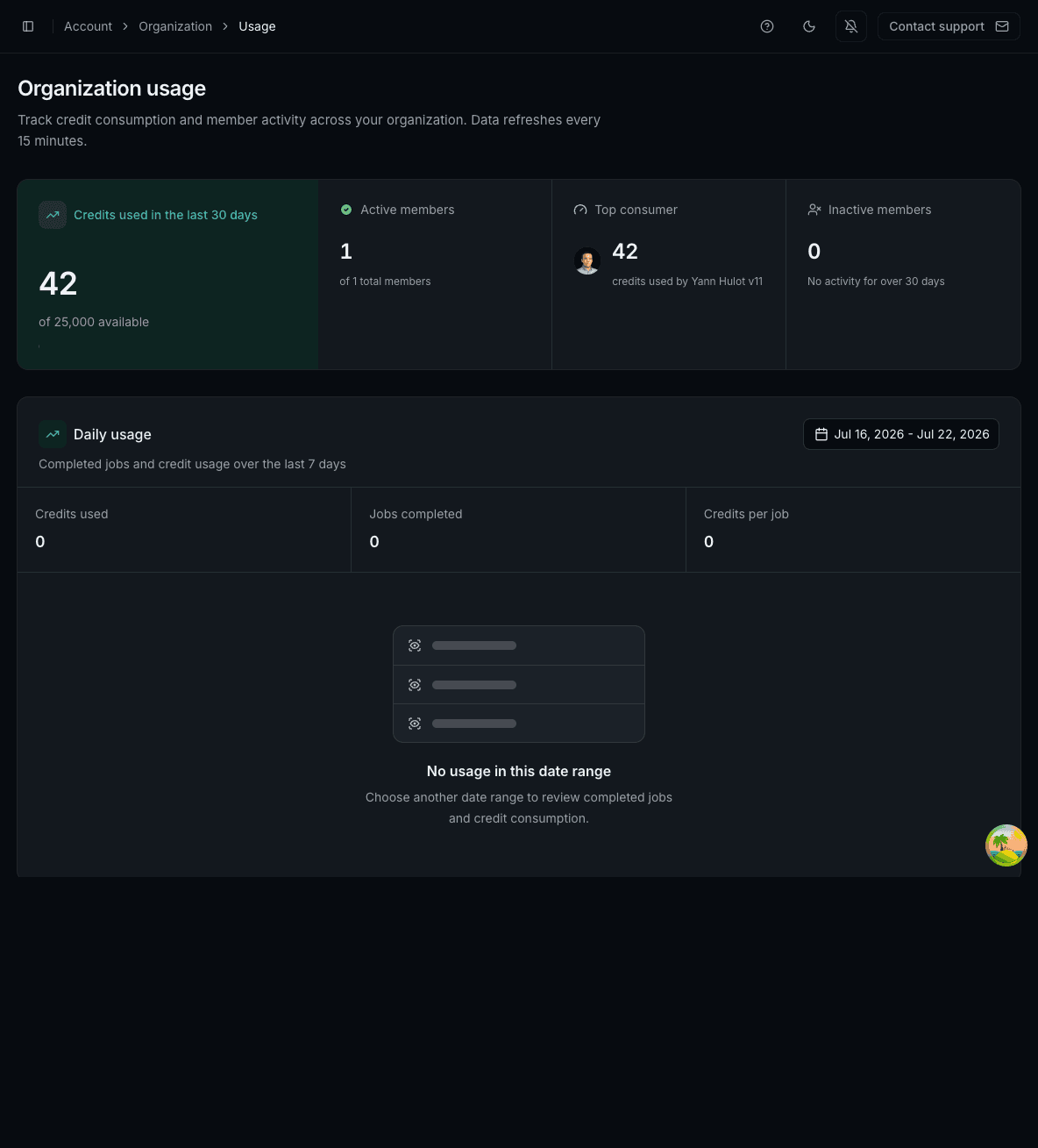
Organization usage summary
The top of the Usage page shows:
- reported credits used across the organization in the last 30 days;
- active members and total members;
- the highest-consuming member;
- members with no activity for more than 30 days; and
- job runs and credit use for the selected daily date range.
These reports cover Importer and Monitoring runs, including Importer work associated with Aggregator jobs. Fetcher runs are not included. Refresh the page if a newly completed run has not appeared yet.
Review individual member activity
The Member activity section supports searching by name or email, filtering Active or Inactive members, and sorting by member, credits used, last web activity, last extension activity, or status. Select View on a member to open a detailed activity panel.
Select Export to download the current filtered view or all member data as CSV or XLSX. A current view export includes only the members that match the active search and status filter.
Credit transaction history
Open Organization → Credit transactions for the last 30 days of organization credit movements. Each row identifies the member, email, signed amount, reason, and date.
Reasons include manual transfers, new-member bonuses, low-balance top-ups, plan-renewal allocations, admin adjustments, and credits returned when a user leaves or is removed. Search by name or email, or filter by reason.
Positive amounts add credits to the named user. Negative amounts remove credits. Review both the recipient row and the owner's balance when investigating an allocation.