
Cloud Importer
Export a Zillow search with a reusable server-side job.
When to use Cloud Importer
Cloud Importer turns one Zillow search-results URL into a reusable job. Use it when you want to export a search now, repeat it later, or run it automatically on a schedule.
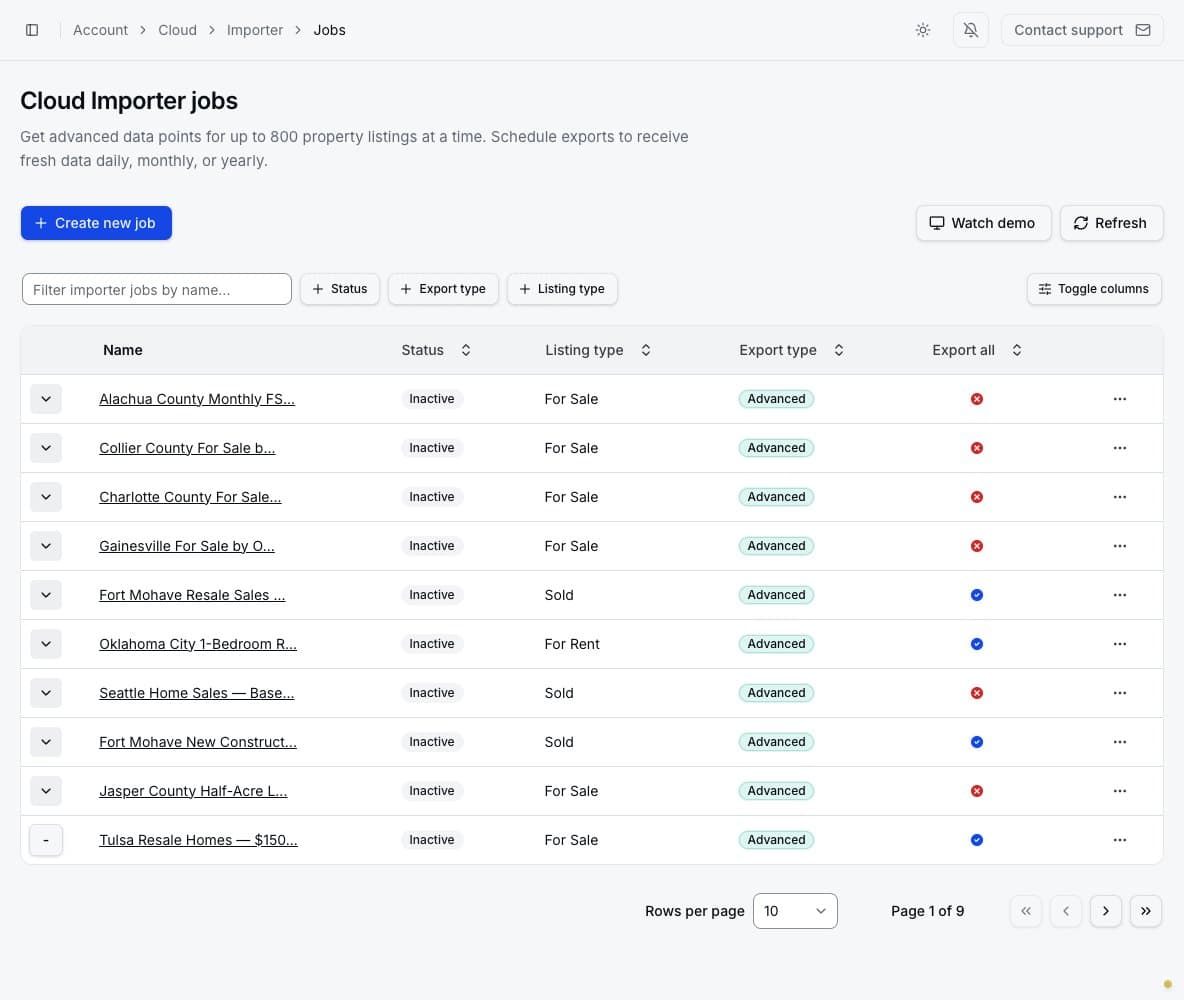
The jobs page lets you search by name and filter by status, export type, and listing type. The table also shows whether the job exports only the current page or all available search-result pages.
What a job stores
An Importer job stores:
- a descriptive name;
- one Zillow search URL;
- the property type: for sale, for rent, or sold where supported by the source;
- Basic or Advanced export depth;
- current-page or all-listings coverage;
- manual or recurring frequency;
- one delivery method: manual export, Google Sheets, or Email.
The source URL determines the location and Zillow filters. If you later change the filters on Zillow, copy the resulting URL into the job by editing it.
Choose how results are delivered
Only one delivery method can be selected for a job:
- None — export manually: keeps each completed result in the account for export when needed.
- Google Sheets: uploads each completed result to the connected Google account.
- Email: sends each completed result as a CSV (
.csv) file to the verified account email. Results that are too large for email remain available from the secure result page.
Google Sheets and Email are conveniences for automatic delivery; they do not replace the retained Cloud result. Regardless of the selected method, open a completed result in PropertyDataLabs to inspect it or manually download CSV, Excel, Parquet, or JSON. This provides a fallback when an email is lost or the Google Sheets destination is no longer accessible.
Job detail page
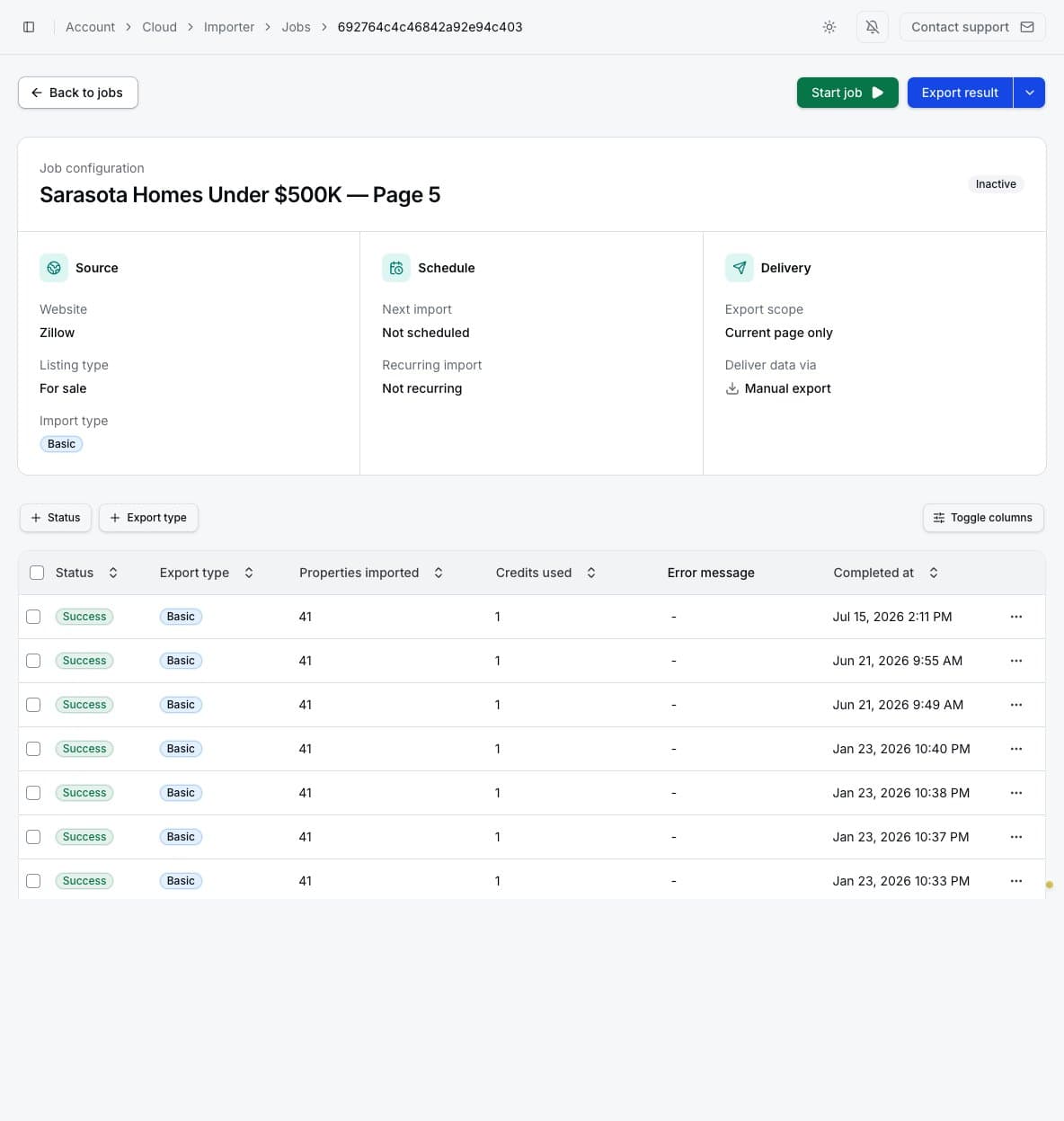
Open a job name to see its configuration and result history. The configuration card explains the
listing source, listing type, import depth, next run, recurring schedule, export scope, and delivery
method. Each result row shows its status, imported-property count, credits used, error message, and
completion time. Completed results can be downloaded as CSV (.csv), Excel (.xlsx), Parquet
(.parquet), or JSON (.json).
The job action menu can include Edit job, Copy URL, View on Zillow, Archive job, and Delete job. Start job begins a new run and consumes credits as properties are processed.
Failed Advanced listing retrievals do not use credits
An Advanced Importer run uses one credit only for each primary listing whose data is successfully retrieved. If PropertyDataLabs cannot retrieve a listing, that listing uses zero credits. Basic Importer runs are charged by Zillow results page rather than by individual listing.