
Cloud Aggregator
Combine several Zillow searches into one server-side result.
When to use Aggregator
Cloud Aggregator combines the listings returned by multiple Zillow search URLs. Use it when one export should cover several locations or filter sets while producing one result table.
If you only have one search URL, use Cloud Importer. If you have a list of individual property URLs, use Cloud Fetcher.
Create an Aggregator job
Open Cloud → Aggregator → Create new job.
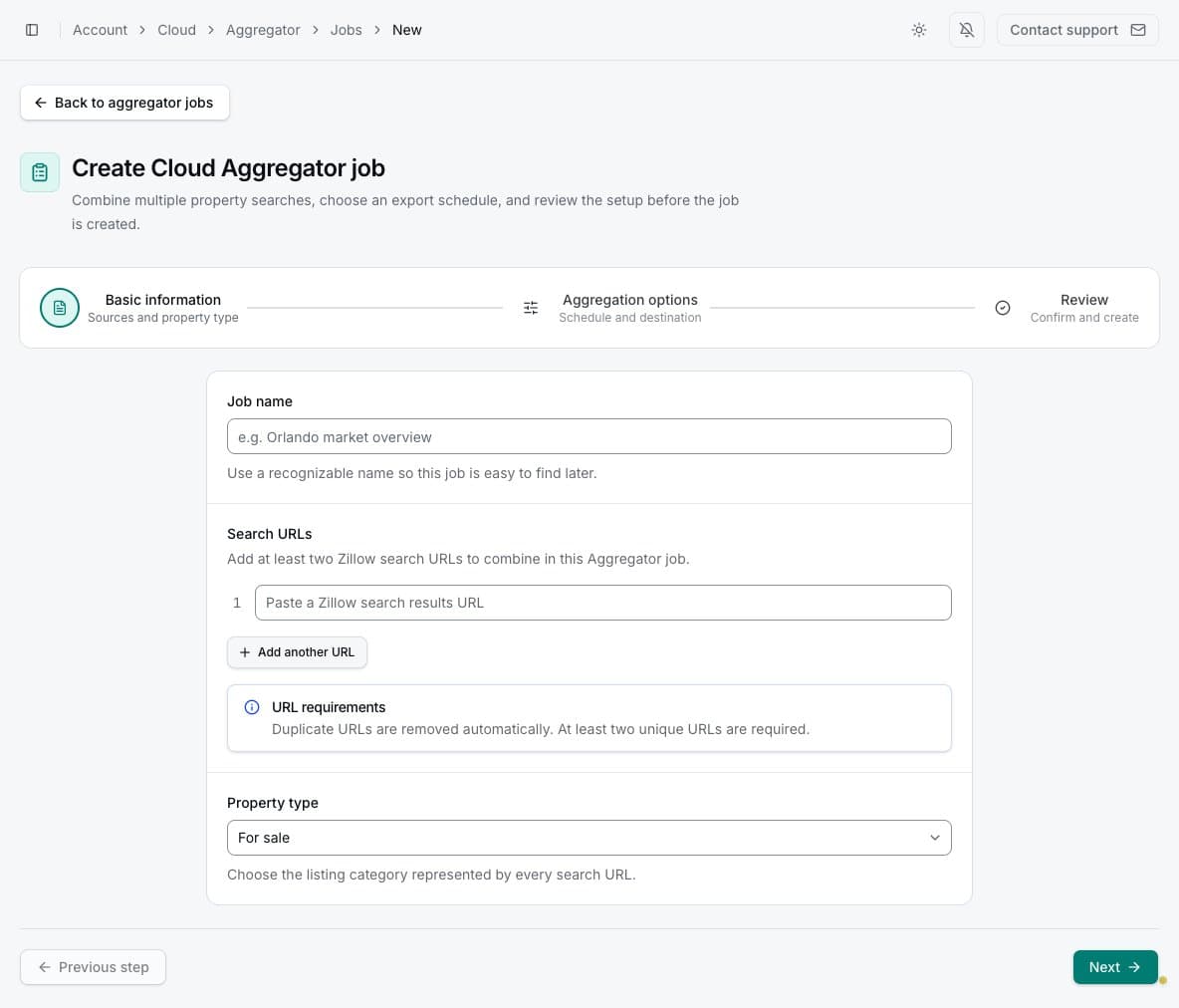
1. Sources and property type
Enter a descriptive job name and paste the first Zillow search-results URL. Use Add another URL for each additional search. Remove a row if it should not be included. All URLs in one job must use the selected property type.
2. Schedule and destination
Choose Basic or Advanced export depth, a manual or automatic frequency, and whether to export all listings from every source. You can also send completed results by email or upload them to Google Sheets.
The export-all choice applies to each source URL. A job with several broad searches can therefore process a large number of properties.
3. Review
Check the number of source URLs, search-result coverage, export type, schedule, delivery, and variable credit use. Basic processing costs one credit for each Zillow results page processed; Advanced processing costs one credit for each primary listing processed. Because these rules apply to every source URL, add the estimates for all searches in the job. Read Basic vs Advanced exports and Cloud run costs for the calculation, maximum-cost examples, and the rental-building unit exception.
Creating the job saves its configuration. Select Start job separately when you want a result.
Failed Advanced listing retrievals do not use credits
For an Advanced Aggregator run, a primary listing uses one credit only when its data is successfully retrieved. If PropertyDataLabs cannot retrieve the listing, it uses zero credits. Basic Aggregator runs use the page-based credit rule instead.
Results and associated jobs
Each Aggregator run coordinates underlying Importer work for its source URLs. The job page can show these as associated jobs while the Aggregator result presents their combined retained properties. Do not delete related data unless you no longer need the aggregate history.
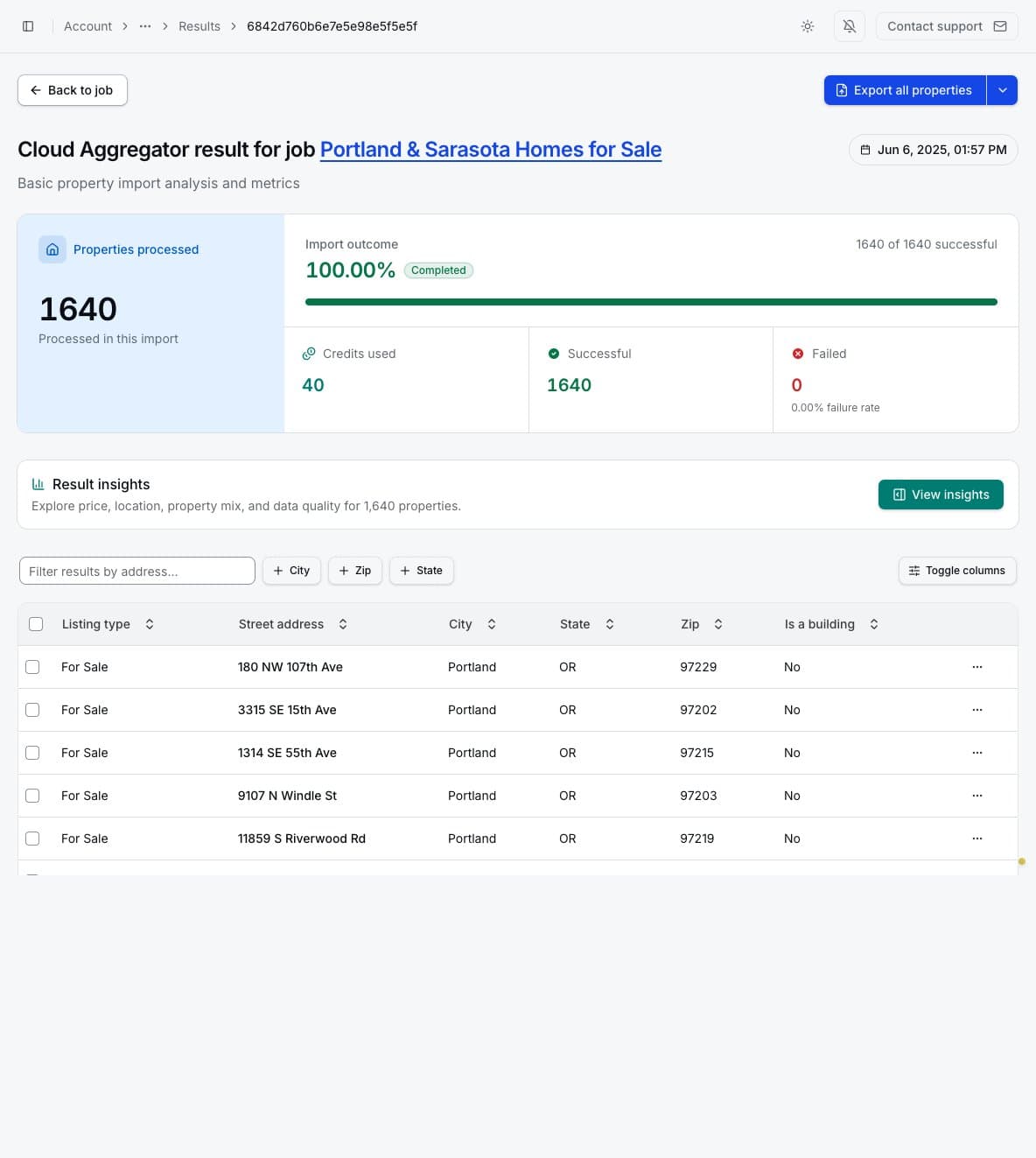
Use address and location filters, column controls, row selection, property-detail links, and export
actions in the same way as other Cloud result pages. Manual result downloads support CSV (.csv),
Excel (.xlsx), Parquet (.parquet), and JSON (.json). Generated insights summarize pricing,
location, property mix, and field coverage across the combined result.
Email export fields
When email delivery is enabled, Update exported fields controls the file attached or linked from future result emails. You can search available columns, select field groups, remove empty columns, include all image URLs where allowed, and reorder selected columns. Availability depends on the plan and export depth.
Changing exported fields affects future files. It does not change the retained property records in existing results.