
Notifications, feedback, and service status
Review account alerts, contact support, share feedback, and check incidents.
Notifications
Open Notifications from the left navigation to review Cloud job updates, export activity, and important account alerts. Use All for the full retained list and Unread for items that still need attention. Selecting a linked notification opens the related result or destination.
Read notifications are automatically removed after 14 days. Email preferences do not control this in-app list.
Feedback board
Open Feedback to browse approved conversations, search by subject, read replies, or add a reply. To start a new conversation:
- Enter a concise title.
- Describe the idea, issue, or friction in plain text.
- Select Private conversation when only you and support staff should see it.
- Select Post feedback.
New threads and replies are reviewed before appearing on the public board. You can edit your own submission for 15 minutes after posting it. An edit returns it to review.
Do not include passwords, sign-in codes, payment details, or sensitive property/client information. Delete controls permanently remove your own thread or reply after confirmation.
Service status
Open Status before troubleshooting a widespread failure. The page reports whether the browser extension, website, or API is affected and lists active incident updates.
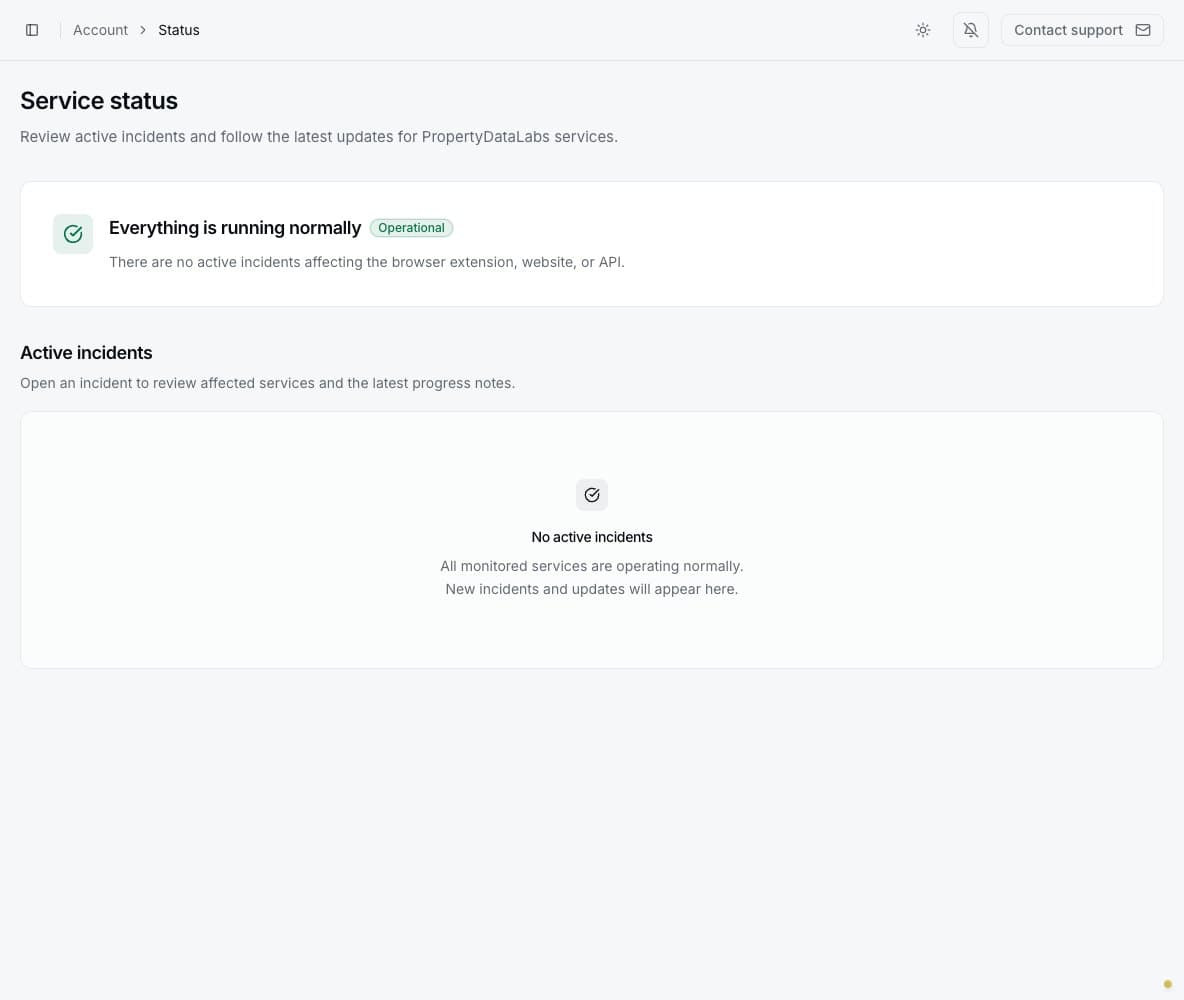
When the page says Everything is running normally, continue with local checks such as refreshing the page, confirming the linked account, reviewing job errors, and checking available credits.
Get help and contact support
Select Help in the top bar of any authenticated page to search the documentation. The Help window also provides links to the full Help center and the contact form. When contacting support, include the job name, result completion time, visible error message, and steps to reproduce the problem. Do not send credentials or temporary access codes. See Contact PropertyDataLabs support for every contact option and support priority information.