
Why is the extension updated frequently?
Zillow Data Exporter reads the information available on Zillow pages. Changes to those pages can require an Extension update before exports work again. Updates also fix reported issues and add features. A fix may take time to investigate and release.
When are the new updates published?
Version 3.0.9 improves export reliability, adds clearer export controls and plan guidance, and keeps theme settings consistent. Read the 3.0.9 release notes, or open the Chrome Web Store listing. Availability depends on review and rollout; if the store offers an earlier version, continue using it while the update reaches your browser.
Version 3.0.8 includes the Preview button, Property research workspace, and renamed Export page and Export pages buttons. See the property research guide to preview properties, save shortlists, and export selected rows. Refresh your Zillow tabs after updating so the new controls load.
If the Extension stops working, check the troubleshooting guide or contact support with the Zillow URL and error message.
How to update the extension to the latest version?
Chrome normally installs Extension updates automatically. To check for an update manually:
- Open the Chrome browser.
- Go to the Extensions page at
chrome://extensions.
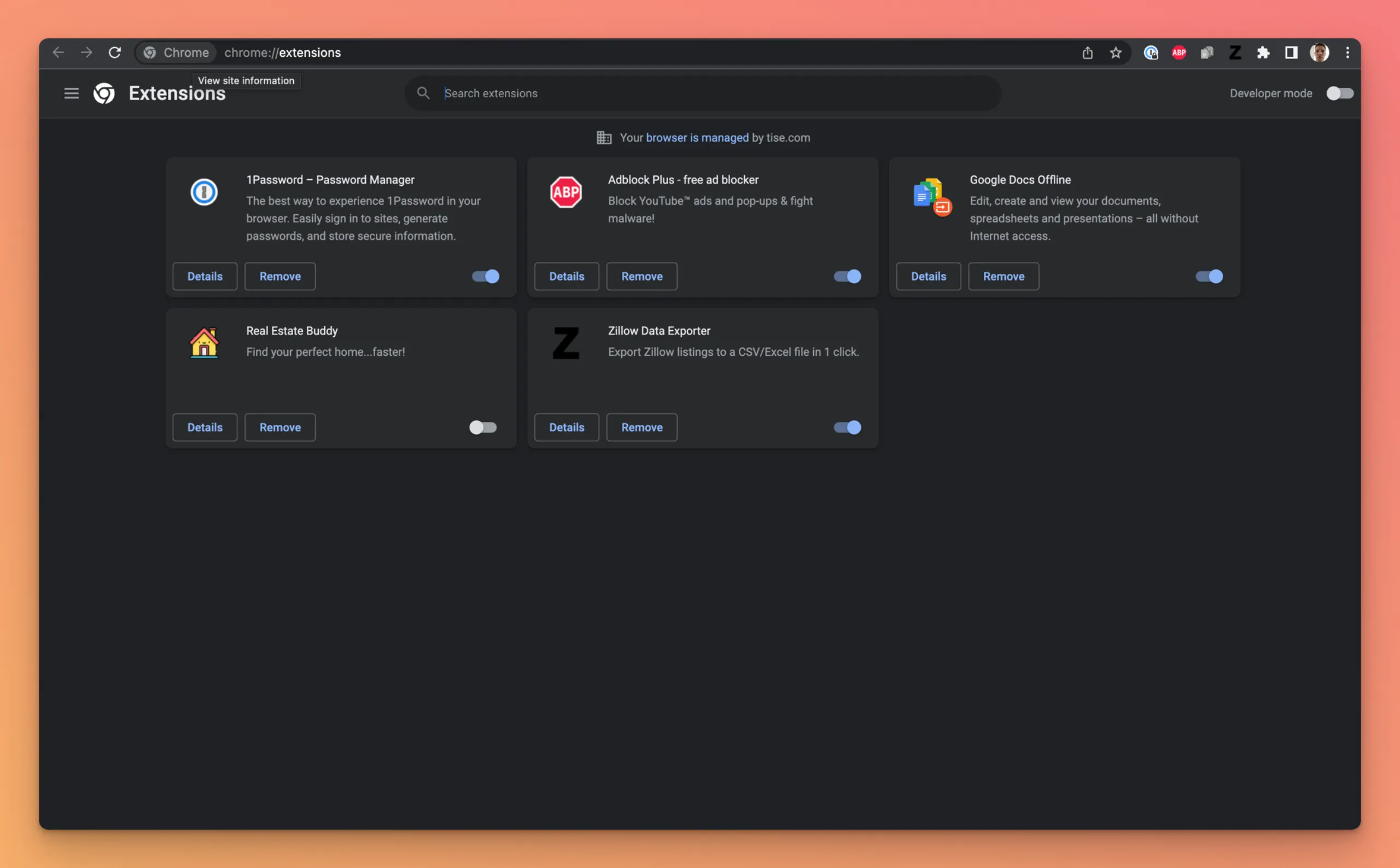
Chrome's Extensions page.
- Turn on Developer mode using the toggle in the top-right corner.
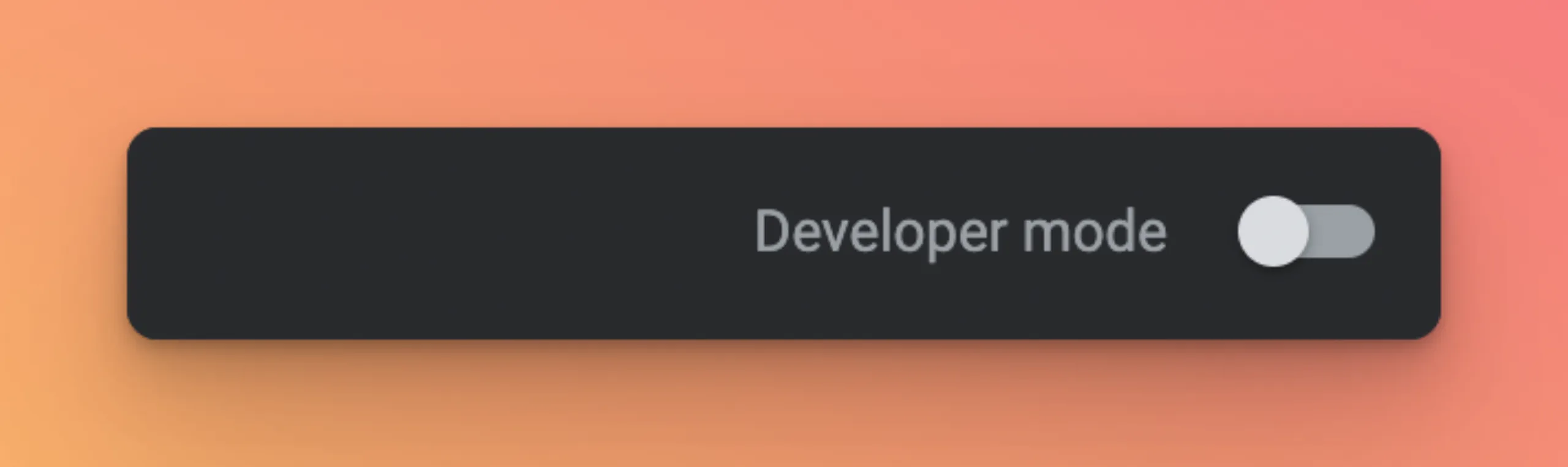
Developer mode off.
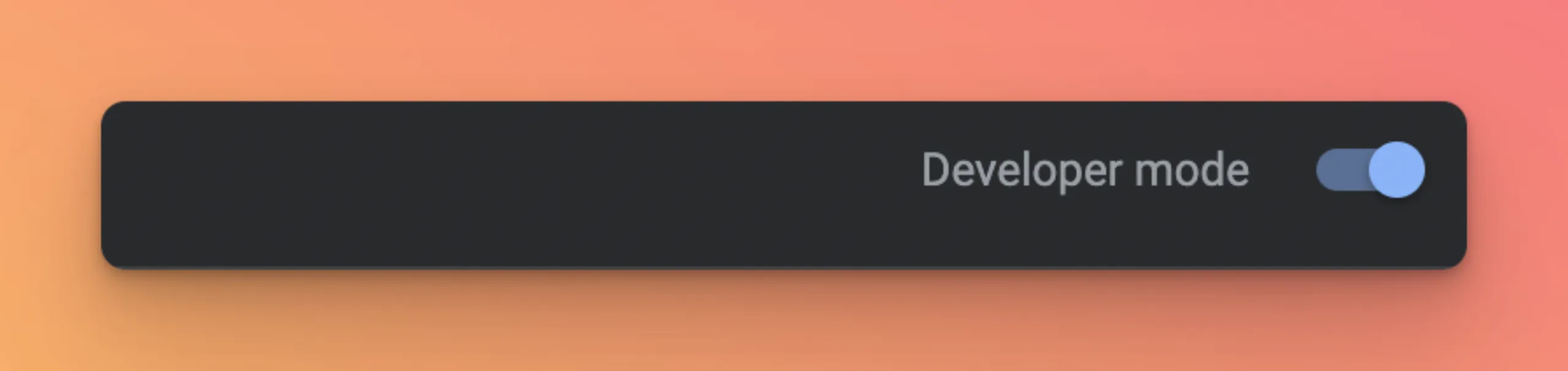
Developer mode on.
- Click the Update button on the top left corner of the page.

- Wait for the update notification, then check the version shown for Zillow Data Exporter.
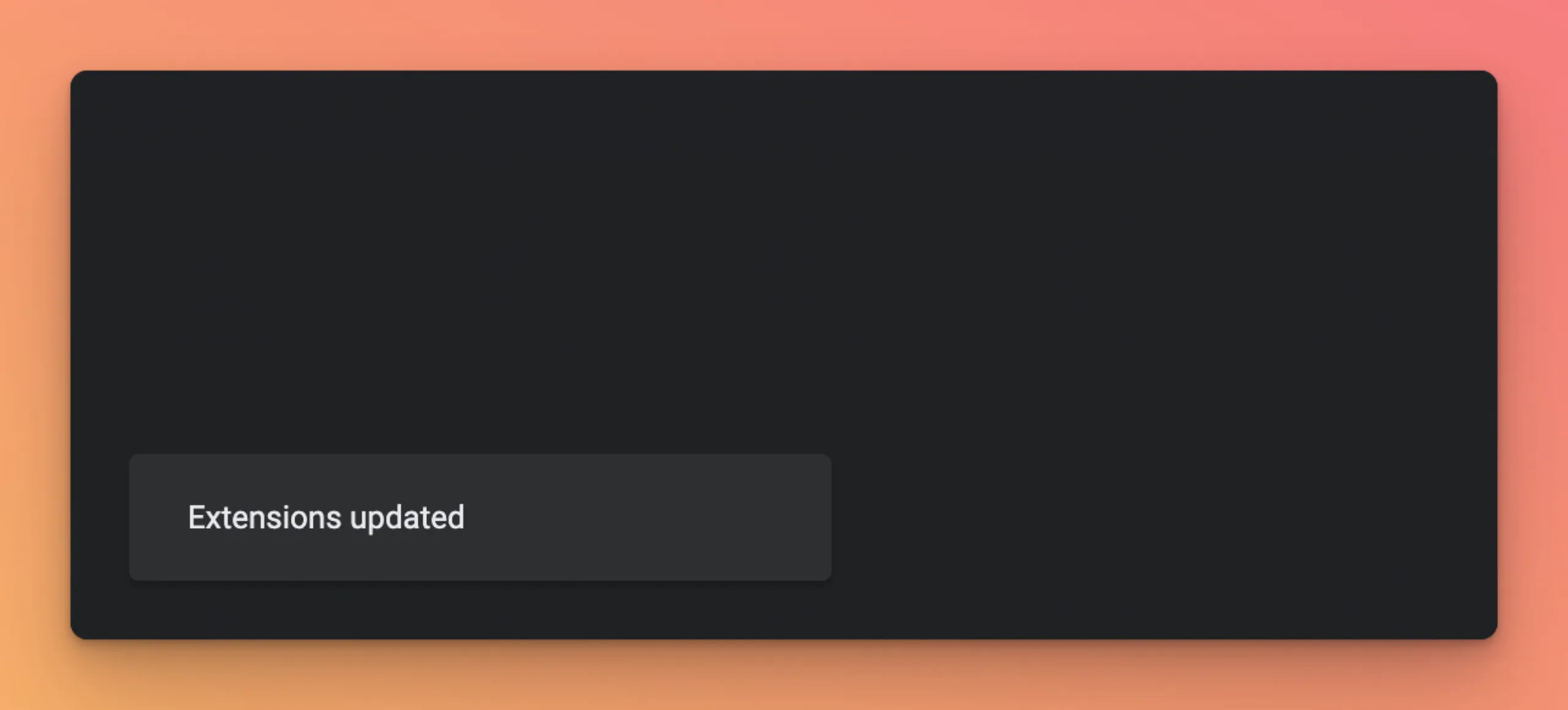
- Return to each open Zillow tab and refresh it. The refreshed pages load the updated Extension controls.
The update described here is 3.0.9. Once it is available in the store, if Chrome still shows an older version, check for updates again later.
Watch a video tutorial about the manual update process
The video below shows the manual update process.
Video tutorial on how to update the extension manually.
How to fix other issues
If updating and refreshing Zillow do not resolve the problem, follow Extension troubleshooting or contact support.