Introduction
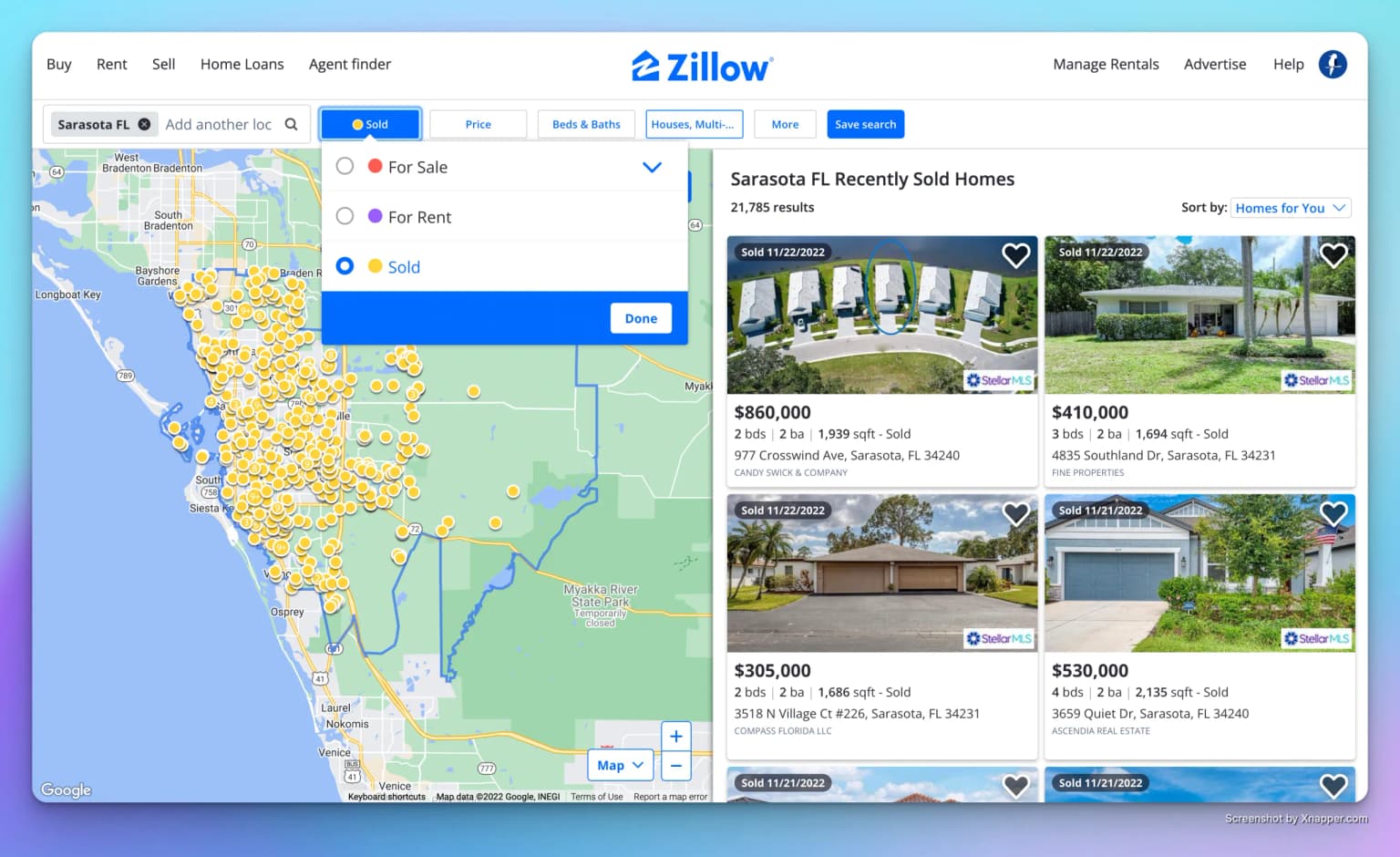
Zillow is a real estate marketplace that allows users to search for properties for sale and rent and see which properties were sold recently in a given area.
When I first built Zillow Data Exporter, I only supported the export of properties for sale from Zillow. However, I received a lot of requests to add support for sold properties.
As I take great pride in making Zillow Data Exporter the best tool to export data from Zillow, I decided to add support for sold properties.
Exporting sold properties from Zillow to Excel or CSV
Exporting sold properties is very easy as you will see.
The Free plan exports the current Zillow results page to CSV using 10 default fields. Native Excel
(.xlsx) files, configurable fields, and multi-page exports require the Basic plan or higher.
- Go to Zillow.
- Enter the URL of the Zillow page that contains the sold properties that you want to export.
- Select the properties sold category.
- Click on the "Export properties" button.
This whole process has been illustrated in the following guide:
Export sold properties from Zillow
Conclusion
In this article, I showed you how to export sold properties from Zillow to Excel or CSV. It is a nice addition to the Zillow Data Exporter tool.
If you have any questions or if something is not working correctly, please feel free to contact me.